Best CRM for Managing Sales Leads From WhatsApp and Phone Calls
A lead calls your sales team at 11 am. The telecaller says, “I will send the details on WhatsApp,” and does it from a personal phone. Two days later the lead replies, but the telecaller is on leave and nobody knows what was promised.
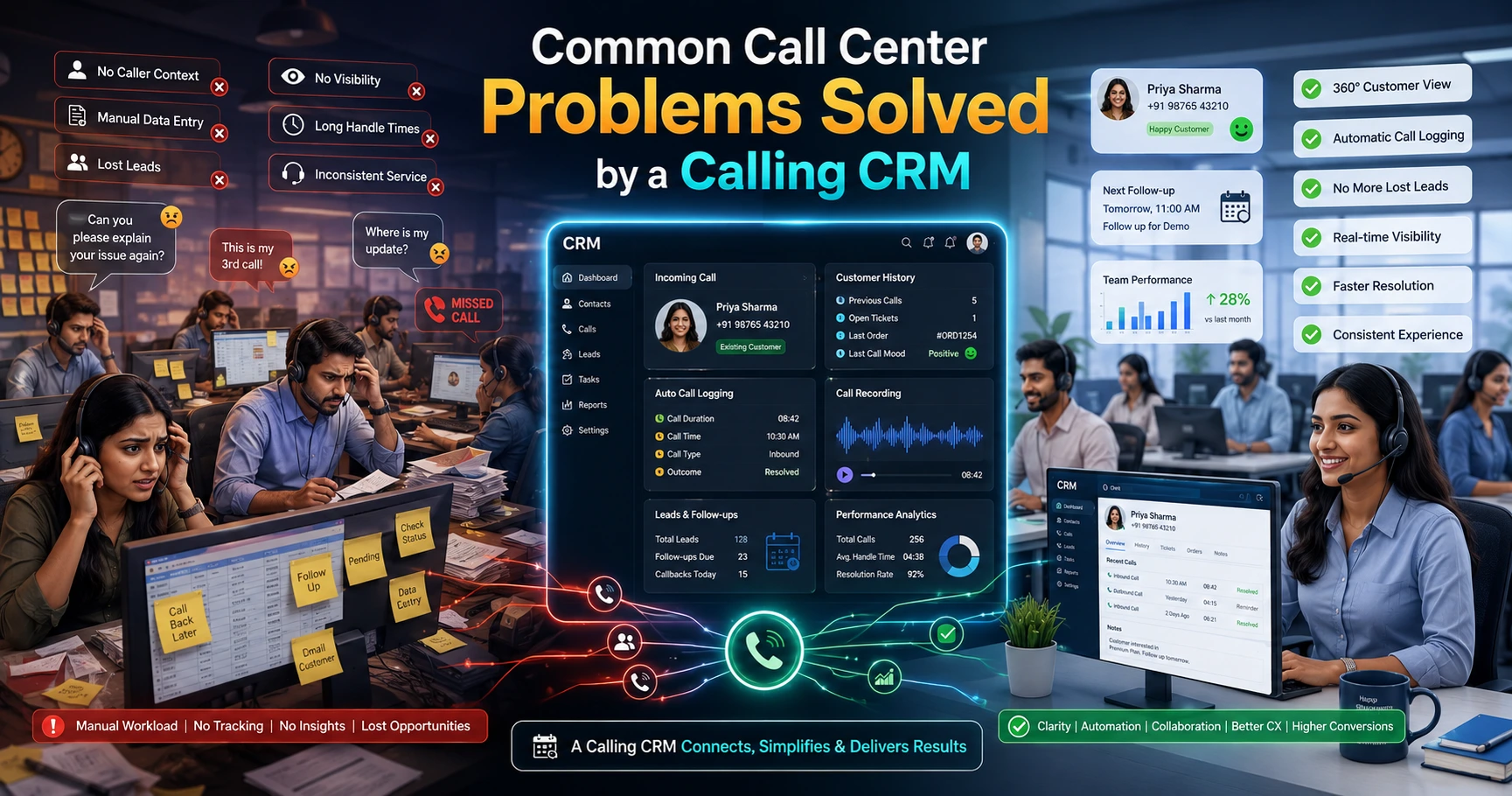
This is how many sales teams lose leads. The call is in one place, the chat is in another, and the follow-up lives in someone’s memory. Businesses can fix this with proper WhatsApp and call lead management, where every call, message and note sits on one lead record.
This guide explains what to look for in a CRM, how to set it up step by step, and which mistakes to avoid.
Quick Answer: What Is the Best CRM for WhatsApp and Call Leads?
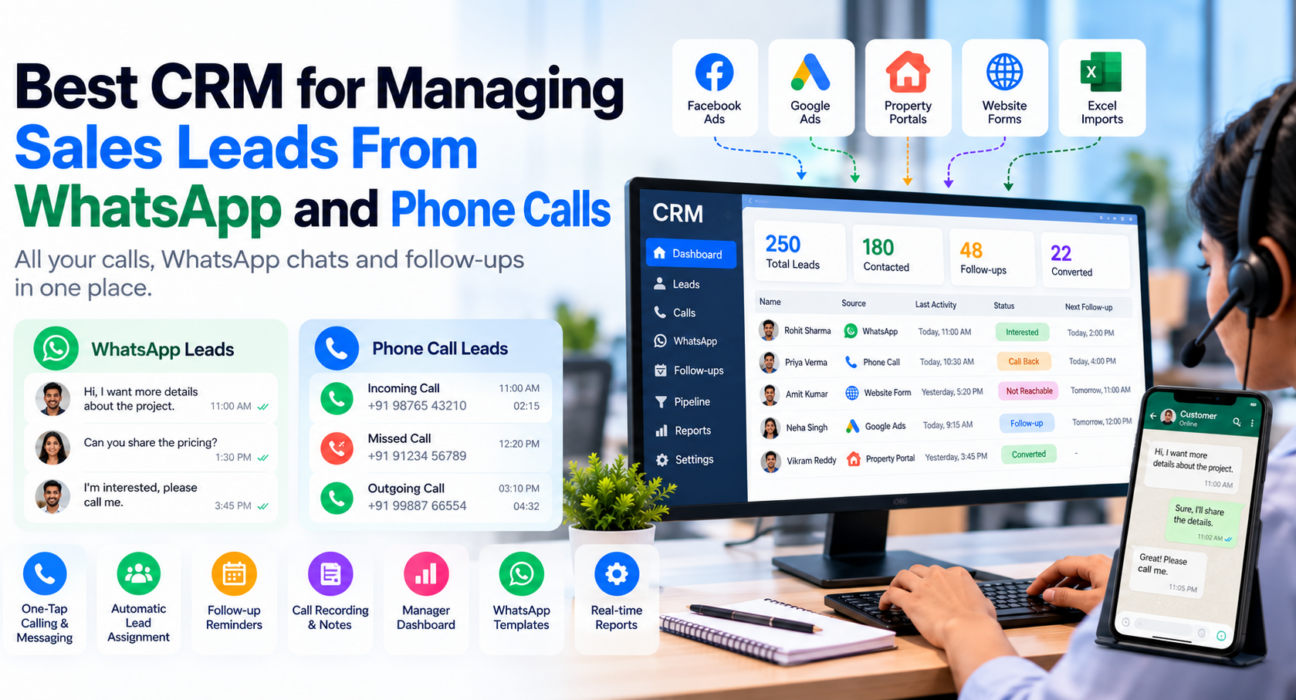
The best CRM for WhatsApp and call leads stores every call, WhatsApp message, note and follow-up on one lead record. It lets agents call and message in one tap, assigns leads automatically, and shows managers who followed up. For Indian teams, INR pricing, a mobile app and lead-source integrations also matter.
No single CRM suits every business. The right choice depends on how your team sells, how many leads you handle and what you can spend.
What Is WhatsApp and Call Lead Management?
WhatsApp and call lead management means tracking every lead across phone calls and WhatsApp conversations in one system. The CRM records who spoke to the lead, what was said, what was promised and when the next follow-up is due.
It is different from a basic contact list. A contact list stores names and numbers. A lead management system also stores history, ownership and next steps.
This approach suits teams that sell mainly through conversations rather than email, such as:
- Real estate sales teams
- Admission and counselling teams
- Insurance and loan agents
- Recruitment teams
- Local service businesses
- Outbound telecalling and call centre teams
Why Spreadsheets and Personal Phones Stop Working
Spreadsheets work when you have 30 leads. They struggle when you have 300 leads and five agents.
Common problems include:
- No shared history: One agent’s WhatsApp chat is invisible to everyone else.
- Lost context: The next agent does not know what the lead was told.
- Missed follow-ups: Callbacks depend on memory or sticky notes.
- Unclear ownership: Two agents call the same lead, or nobody does.
- Weak reporting: The manager cannot see calls made, leads contacted or deals moving.
- Data leaves with people: When an agent quits, their chats and contacts often go with them.
A CRM solves these problems only if it fits how your team actually works. A system that agents find slow or confusing will be ignored, and the old habits will return.
Features to Look for in a CRM for WhatsApp and Call Leads
Use this table as a checklist when you compare tools.
| Feature | Why it matters | What to ask the vendor |
|---|---|---|
| Single lead timeline | Everyone sees the full history | Are calls, WhatsApp, SMS and notes shown together? |
| One-tap calling and messaging | Agents save time and log more activity | Does this work from the mobile app? |
| Automatic lead assignment | No lead waits for a manager to forward it | Can I assign by round-robin, language or fixed owner? |
| Follow-up reminders | Callbacks do not depend on memory | Are overdue alerts available? |
| Lead source integrations | Leads arrive without manual copying | Does it connect to the ad platforms and portals I use? |
| Call recording and notes | Managers can review and train | Where are recordings stored and who can access them? |
| WhatsApp templates | Agents send consistent messages quickly | How does the tool handle WhatsApp setup and permissions? |
| Manager dashboard | You can see activity without chasing agents | Can I see calls, follow-ups and pipeline in one view? |
| Clear pricing | Avoids surprise costs later | Are there per-user fees or paid add-ons? |
How Each Option Compares
| Option | Works well for | Common gap |
|---|---|---|
| Spreadsheet + personal WhatsApp | Very small or new teams | No history, no assignment, no reporting |
| Generic CRM | Email-led B2B sales | Calling and WhatsApp may be weak or paid add-ons |
| WhatsApp-only tool | Support and broadcast messaging | Limited calling and dialing features |
| Telecaller CRM with WhatsApp | Call-led teams in India | Check how deep the WhatsApp features go |
How to Set Up WhatsApp and Call Lead Management: 6 Steps
You do not need a complex rollout. Follow these steps.
- List your lead sources. Note where leads come from: Facebook ads, Google ads, property portals, JustDial, your website or walk-ins.
- Define your lead stages. Keep them simple, for example New, Contacted, Interested, Site Visit or Demo, Negotiation, Won, Lost.
- Set assignment rules. Decide who gets which lead. Language, location or product can be the basis.
- Create WhatsApp message templates. Prepare short messages for first contact, brochure sharing, appointment reminders and follow-ups.
- Set a follow-up rule. For example, every “Interested” lead must have a scheduled next action.
- Review weekly. Check calls made, leads contacted, overdue follow-ups and lost-lead reasons.
Start with one team before rolling out to everyone. Small pilots reveal problems early.
Practical Examples
These are hypothetical examples to show how the process works.
Real estate (example): A lead enquires through a property portal. The CRM assigns it to an agent, who calls and then sends the project brochure on WhatsApp. The agent schedules a site-visit reminder. If the agent is unavailable, a colleague can open the lead and see the full history.
Education (example): A coaching centre receives an enquiry from a Facebook ad. The counsellor calls, logs the course interest and sets a callback for the next day. A WhatsApp template shares the fee structure. The head of admissions later sees how many enquiries are still pending.
Insurance (example): An agent speaks to a customer about a policy renewal. The customer asks for a quote on WhatsApp. The agent sends it, notes the response and sets a follow-up before the renewal date.
In each case the value comes from one shared record, not from the software alone.
WhatsApp Opt-In and Compliance
WhatsApp messaging has rules. According to Meta’s documentation on getting opt-in for WhatsApp, businesses need permission from the person before messaging them on WhatsApp. The permission must follow applicable local law.
In practice, this means:
- Do not treat a phone number alone as permission.
- Record where and when the lead agreed to be contacted.
- Honour requests to stop messaging, including those received by phone.
- Keep messages relevant to what the person agreed to receive.
For calls, check applicable telecom rules in India, including Do Not Call requirements. A CRM can help by enforcing DNC lists and calling-hour limits, but the legal responsibility stays with your business. If you are unsure, take advice from a qualified professional.
How TeleCalling CRM Can Help
TeleCalling CRM is a telecalling CRM built for Indian sales teams. Based on its website, these features are relevant to WhatsApp and call lead management:
- Calling: A smart auto dialer that captures call duration from the phone’s call log, with one-tap outcome logging and optional call recording.
- Lead management: Bulk CSV or Excel import with de-duplication, assignment rules (round-robin, language-match or fixed agent), lead scoring and full call history on each lead.
- Follow-ups: One-tap callback scheduling, reminders and overdue alerts.
- Messaging: WhatsApp templates, SMS and email, bulk or scheduled sending, and a unified timeline showing messages per lead.
- Mobile app: Android and iOS apps with one-tap call, WhatsApp, SMS and email actions.
- Automation: A no-code workflow builder that can assign leads, add tags and send messages when a lead is created or its stage changes.
- Lead sources: Integrations with Facebook and Instagram lead ads, Google Ads, 99acres, Housing.com, MagicBricks, JustDial, Sulekha, TradeIndia, WordPress, Wix and Google Sheets. See the integration and setup guides.
- Team visibility: A live dashboard, leaderboards and reports for managers.
Plans start from ₹999 per month, and a 3-day free trial is listed on the website. Check the pricing page for current plans.
What to verify before buying: Ask for a demo on your own use case. Confirm exactly how WhatsApp works for your account, such as how templates are sent and what appears on the lead timeline. AI call analysis is described as an opt-in feature, so confirm its setup and language support for your team.
Industry pages may help you judge fit, including Real Estate CRM, Education CRM and Insurance CRM. If you are comparing broader options, this guide on how to choose the best telecalling CRM may also help.
Common Mistakes to Avoid
- Choosing by price alone. A cheap tool that agents avoid costs more than a good one they use daily.
- Buying features you will not use. Start with what your team needs this quarter.
- Skipping training. Even a simple CRM needs a short onboarding session.
- Mixing personal and business chats. Keep business conversations traceable.
- Ignoring opt-in. Messaging people without permission can hurt your WhatsApp account quality and your reputation.
- Not defining lead stages. Without clear stages, reports become meaningless.
- Never reviewing the data. A CRM only helps if managers act on what it shows.
How to Decide: A Simple Checklist
Answer these questions before you shortlist tools:
- Do most of our leads come through calls and WhatsApp, or email?
- Do agents work mainly from mobile phones?
- How many leads and agents do we handle today, and in a year?
- Which lead sources must connect automatically?
- Do we need call recording and reporting for managers?
- What is our total monthly budget, including add-ons?
If most answers point to call-led selling on mobile, choose a telecaller CRM or a CRM with strong calling and WhatsApp features. If your sales are email-led and long-cycle, a generic CRM may fit better.
Frequently Asked Questions
What is the best CRM for managing leads from WhatsApp and phone calls?
The best CRM is one that records calls, WhatsApp messages, notes and follow-ups on a single lead record. It should include mobile calling, automatic lead assignment, reminders and manager reports. Compare a few tools using a demo or trial on your real workflow before deciding.
Can a CRM track WhatsApp conversations?
Many can, but the method differs. Some tools show messages sent through templates, while others connect through official WhatsApp business access. Ask each vendor exactly what appears on the lead timeline and how messages are captured.
Do I need the WhatsApp Business API for a CRM?
Not always. Small teams may message manually. Businesses that want automated or bulk messaging usually need official WhatsApp Business Platform access. Ask your CRM vendor which method it supports and what setup is needed.
Do I need permission before messaging leads on WhatsApp?
Yes. Meta’s WhatsApp Business policy requires businesses to get opt-in permission before messaging people, in line with local law. Keep a record of when and how each lead agreed to receive messages.
How much does a CRM for telecallers cost in India?
Prices vary widely. Some tools charge per user per month, while others offer flat plans. TeleCalling CRM lists plans from ₹999 per month on its website. Always check what is included and whether add-ons cost extra.
Is a CRM useful for a small sales team?
Yes. Even a team of three can lose leads without shared history and reminders. A CRM gives clear ownership, scheduled follow-ups and basic reports. Choose a simple tool that your team will use daily.
Does TeleCalling CRM support WhatsApp?
According to its website, TeleCalling CRM supports WhatsApp templates, one-tap WhatsApp actions from the mobile app, bulk or scheduled messages, a unified message timeline and WhatsApp actions in automation workflows. Ask for a demo to confirm how this fits your setup.
Conclusion
Good WhatsApp and call lead management comes down to one habit: every conversation should be recorded on the lead, and every lead should have a next step. The right CRM makes this easy for agents and visible for managers.
Define your lead stages, set assignment and follow-up rules, collect proper opt-in, and test tools on your real workflow. If your team sells through calls and chats, look at lead follow-up software that keeps reminders, calls and messages together, and judge it by how easily your agents use it every day.