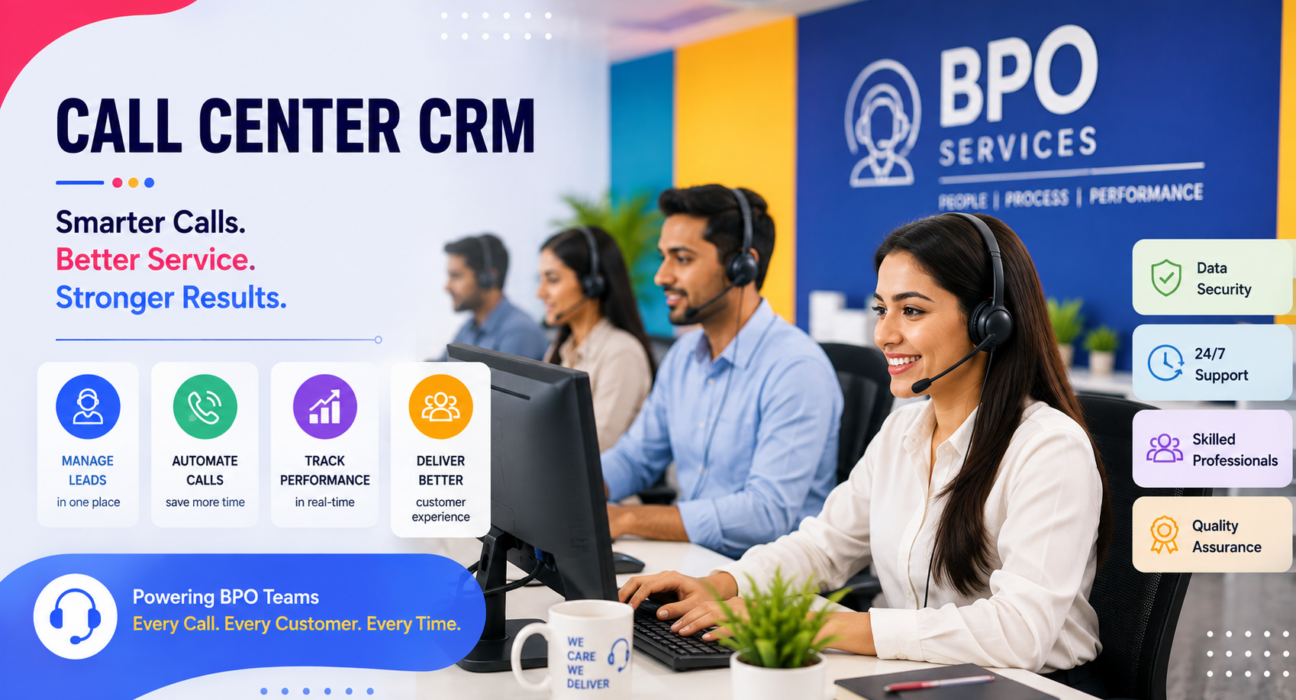
Most call centers don’t lose deals because agents work slowly. They lose deals because leads sit in spreadsheets and callbacks slip through the cracks. Supervisors also have no real-time view of what’s happening on the floor. A dedicated call center CRM fixes this. It puts the dialer, the lead record, and the disposition in one place. Every call then moves a lead forward instead of getting lost in a WhatsApp chat or an Excel tab.
In short: A call center CRM is software built specifically for outbound and inbound calling teams. It combines an auto dialer, lead management, call disposition tracking, and reporting into one system. Agents spend more time talking to prospects and less time managing lists by hand.
Why Call Centers Struggle Without the Right System
BPO and call center teams usually run on high call volume. A single agent may dial 60-150 numbers a day. Multiply that across 10, 20, or 50 agents, and a few problems show up fast:
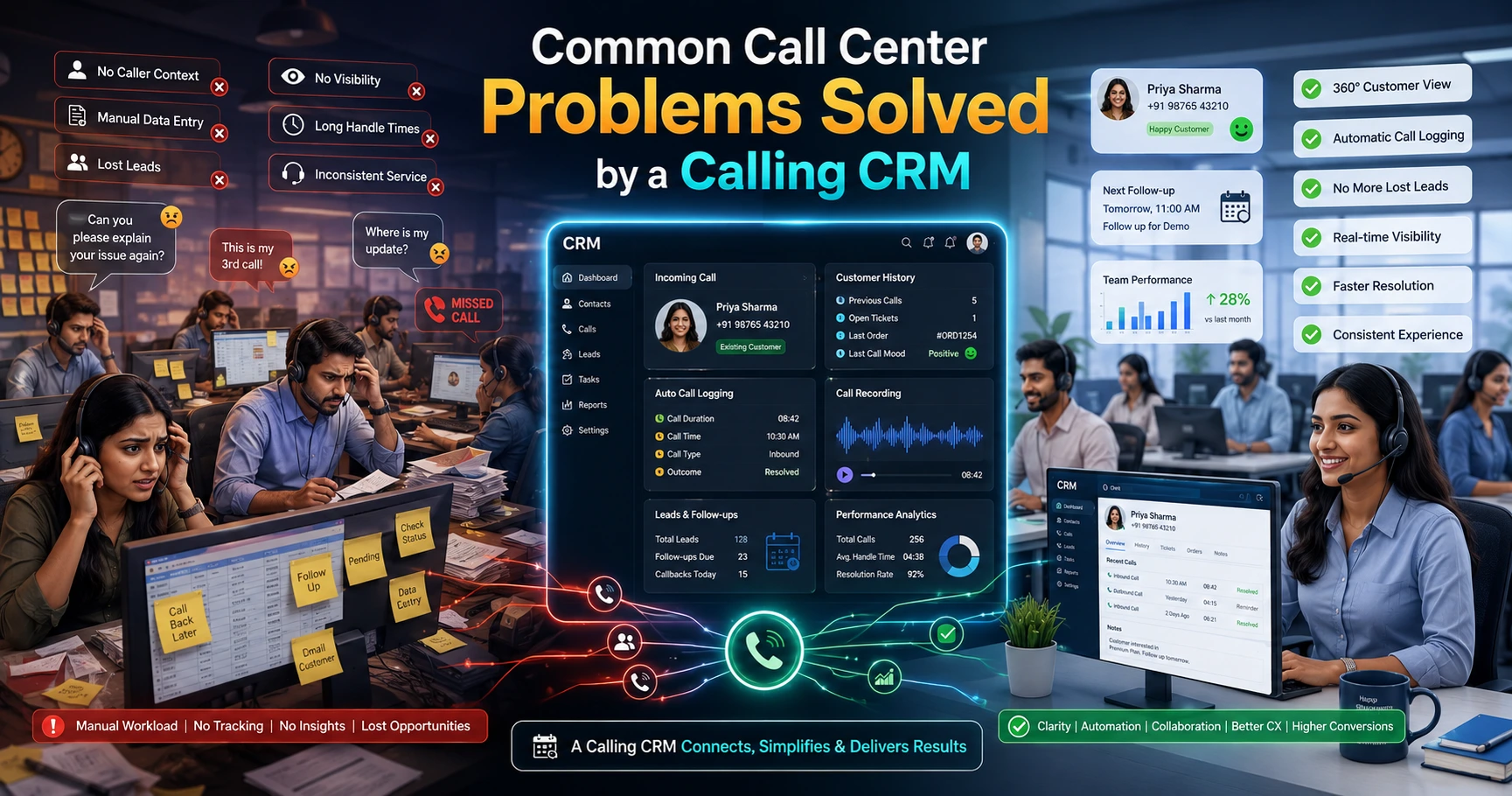
- Agents call the same lead twice, or miss it entirely, because there’s no single source of truth.
- Supervisors can’t tell who’s actually on a call versus who’s idle.
- Follow-ups depend on an agent’s memory or a sticky note.
- Reporting stays manual and end-of-day instead of live.
- Agents accidentally dial numbers on the Do Not Call list, creating compliance risk.
These aren’t small inefficiencies. In a high-volume calling environment, they compound daily and directly affect connection rates, agent productivity, and customer experience.
What Is a Call Center CRM?
A call center CRM manages the entire outbound or inbound calling workflow in one platform. That includes lead capture, dialing, call logging, disposition tracking, follow-ups, and reporting. Unlike a generic sales CRM, it builds everything around the call itself, not just the contact record.
This matters because call centers and BPOs need more than basic contact management. They need:
- A way to feed agents leads continuously (a dialer).
- A way to record what happened on every call (a disposition).
- A way to see the whole floor’s activity in real time (supervision).
- A way to confirm no one calls someone who has opted out (compliance).
A generic CRM can technically store contacts. But it rarely handles this specific workflow, which is why purpose-built telecalling software exists.
Core Capabilities of a Call Center CRM
Auto Dialer
An auto dialer queues leads and moves agents from one call to the next automatically, so agents stop manually looking up and dialing numbers. This alone removes a large chunk of dead time between calls. It’s one of the biggest productivity levers for outbound teams.
Lead Management and Disposition Tracking
The system should pull every incoming lead from ad platforms, property portals, web forms, or uploaded lists into one pipeline. It should then de-duplicate the lead and assign it to an agent automatically. After each call, the agent logs a disposition connected, interested, callback, not reachable, DNC, and so on. That disposition becomes the basis for reporting and follow-up.
Sales Pipeline with Deal Value
For call centers running sales or lead-gen campaigns, attaching a deal value to each lead changes what supervisors can see. They get open pipeline, won value, and win rate at a glance. That’s a clearer picture than just counting how many calls agents made.
Live Floor Monitoring
A supervisor dashboard, sometimes called a war room, shows which agents are on a call, idle, or in wrap-up. It also tracks talk time and conversions as they happen. This replaces end-of-day reporting with same-hour visibility.
Follow-Up Scheduling
Say a lead asks for a callback tomorrow at 4 PM. Callback reminders and overdue alerts make sure the agent actually calls back at 4 PM, instead of letting new leads bury the request.
Compliance Features
Indian regulations govern telemarketing, so a call center CRM should support Do Not Call list management. TRAI administers this through India’s National Customer Preference Register (NCPR). Unsolicited commercial calls to numbers on that register can bring penalties for telemarketers. That’s why DNC screening before dialing isn’t optional for compliant operations.
Messaging and Mobile Access
WhatsApp templates, SMS, and email let agents follow up in whichever channel a customer prefers. A mobile app adds to this: field or remote agents can call, log outcomes, and check follow-ups without sitting at a desktop.
How a Call Center CRM Works Day to Day
- Leads come in from ad platforms, portals, websites, or uploaded CSV files. The system de-duplicates and assigns them automatically.
- The dialer queues the next lead, and the agent picks up the call already knowing the source and any past notes.
- The agent logs a disposition connected, interested, callback, not reachable, or lost as soon as the call ends.
- Interested leads move through pipeline stages, often with a deal value attached, while the system schedules callbacks automatically.
- Supervisors watch the floor live, spot idle agents or stalled campaigns, and reassign leads or coach agents in real time.
- Reports update automatically connection rate, conversion rate, and agent-level performance, without anyone compiling a spreadsheet.
Real-World Examples
These are illustrative examples of how call centers commonly apply this workflow, not claims about any specific customer.
Outbound sales campaign: A BPO running an outbound campaign for a financial services client loads a fresh lead list into the dialer each morning. Agents move through the list automatically and log a disposition on every call. Interested leads then flow into a pipeline stage with an expected deal value, so the client sees conversions by end of day.
Lead-gen and survey campaigns: A call center running parallel campaigns for different clients can track connection rates, agent utilization, and disposition breakdowns separately for each one. That keeps results from blending into a single, less useful report.
Renewal and follow-up calling: A team handling policy renewals or repeat customer outreach depends heavily on scheduled callbacks. If a lead says “call me next month,” the system needs to resurface that lead next month, not bury it in a spreadsheet row.
Benefits of Using a Call Center CRM
| Without a Call Center CRM | With a Call Center CRM |
|---|---|
| Manual dialing, gaps between calls | Continuous dialer queue |
| Leads tracked in spreadsheets | Centralized, de-duplicated pipeline |
| End-of-day, manual reporting | Live dashboards and reports |
| Follow-ups depend on memory | Automated callback reminders |
| Agents dial DNC numbers by mistake | Automatic DNC screening |
| No visibility into agent activity | Real-time supervisor monitoring |
Common Mistakes to Avoid
- Choosing a system without disposition tracking. If agents can’t log structured call outcomes, reporting becomes guesswork.
- Ignoring DNC and compliance checks. Skipping this exposes the business to regulatory complaints, not just wasted calls.
- Skipping agent training on pipeline stages. A CRM only helps if agents actually update lead status consistently.
- Treating the CRM as a reporting tool only. The real value comes from running the floor live, not just generating a monthly report.
- Overlooking mobile access. Field agents or remote teams need to log calls and follow-ups from their phones, not just a desktop.
How TeleCalling CRM Supports Call Center & BPO Teams
TeleCalling CRM builds its platform around this exact workflow for call center and BPO teams. It includes:
- A smart auto dialer
- Automatic lead assignment and de-duplication
- A sales pipeline with deal value tracking
- A live war room for supervisors
- Follow-up scheduling and DNC list management
- An Android and iOS mobile app
AI call analysis adds automatic transcription, call summaries, sentiment scoring, and coaching notes on every call, with no separate add-on. Teams evaluating options can compare plan details and pricing to see what each tier includes.
Frequently Asked Questions
What is a call center CRM used for? Teams use it to manage the full calling workflow lead intake, dialing, disposition logging, follow-up scheduling, and reporting so agents and supervisors work from one system instead of spreadsheets and manual dialing.
Is a call center CRM different from a regular CRM? Yes. A regular CRM manages contacts and deals generally. A call center CRM builds everything around the call itself, with an auto dialer, disposition tracking, and live floor monitoring for high call-volume teams.
Does a call center CRM help with compliance? A good one does. It should stop agents from dialing numbers on India’s National Customer Preference Register, which lowers regulatory risk for the business.
Can a call center CRM handle multiple campaigns at once? Yes, most systems run several campaigns in parallel. Each one keeps its own lead lists, dispositions, and reporting, so results stay separate.
Do call center CRMs work for both sales and support calling? Yes. The same core workflow applies whether agents handle outbound sales, collections, renewals, or inbound support: intake, structured logging, and follow-up.
Is a mobile app necessary for a call center CRM? It matters most for teams with field agents, remote staff, or anyone who needs to check follow-ups outside the office. An in-office, desk-based floor needs it less, though supervisors still find it useful for checking in remotely.
How is call quality tracked in a call center CRM? Some systems only log call duration and disposition by hand. Others add automatic call transcription, sentiment analysis, and quality scoring, so supervisors can review calls without listening to every recording.
Conclusion
A call center CRM isn’t just a nice-to-have for BPO and outbound teams. It turns a pile of leads and a phone line into a system that agents and supervisors can actually run a business on. Look for a working auto dialer, structured disposition tracking, live floor visibility, and built-in DNC compliance. Teams that want to see this workflow in practice can check how TeleCallingCRM’s plans bring these pieces together for call center and BPO operations.