Introduction
Booking a demo or consultation call with a software provider can feel unproductive if you’re not sure what to ask. Many PG owners leave these calls with a general impression of the platform but no clear answer on whether it actually fits their property’s needs. A PG software consultation works best when you go in with specific questions about features, pricing, and support, not just a general “show me what it does.” A PG and hostel management software consultation should help you evaluate fit, not just watch a walkthrough.
This article covers what to prepare before a PG software consultation, the key questions to ask, and how to evaluate the answers you get.
Why Preparation Matters for a PG Software Consultation
Direct answer: Preparation matters because a PG software consultation is most useful when you can compare the provider’s answers against your specific operational needs, rather than passively watching a generic product demo that may not address your actual challenges.
Providers often default to showcasing their most polished features. Without a clear list of your own priorities, it’s easy to leave the call impressed but no closer to knowing if the software genuinely solves your problems.
What to Prepare Before the Consultation
1. List Your Current Operational Pain Points
Before the call, identify what’s actually causing friction in your day-to-day operations — missed rent, lost tenant documents, unclear occupancy, or unresolved complaints. This gives the consultation a clear direction.
2. Know Your Property Size and Growth Plans
Be ready to share how many beds, rooms, or properties you currently manage, and whether you’re planning to scale. This helps the provider recommend a plan that actually fits, rather than defaulting to a generic tier.
3. Identify Your Must-Have Features
Decide in advance which features are non-negotiable, such as rent tracking or KYC management, versus which are nice-to-have. This keeps the conversation focused.
Key Questions to Ask During a PG Software Consultation
Questions About Core Features
- Does the software support both cash and UPI rent tracking? This matters for PGs with mixed tenant payment preferences.
- How does the platform handle occupancy tracking across multiple rooms or floors? Understand whether updates happen in real time or require manual refreshing.
- What does KYC and tenant document management look like in practice? Find out whether you can upload, store, and retrieve documents easily.
- How are complaints logged and tracked to resolution? Confirm whether there’s a clear status system (open, in progress, resolved).
Questions About Pricing and Plans
- What exactly is included at each pricing tier? Don’t assume every plan includes the same core features.
- Are there limits on tenants, rooms, or properties at my intended plan level? Clear limits help you avoid unexpected upgrade costs later.
- Is billing monthly, annual, or both – and what’s the difference in cost? Knowing this upfront helps you plan cash flow accordingly.
Questions About Support and Onboarding
- What kind of onboarding support is provided when getting started? Check whether the plan covers setup assistance or charges an additional fee for it.
- What support channels are available, and what’s the typical response time? This is especially important if you’re not confident managing software independently.
- How are software updates handled, and are they included in the subscription? Confirm whether updates are automatic or require action on your part.
Questions About Scalability
- Can the platform support multiple properties if I expand? Even if you manage one PG now, it helps to know whether switching platforms would be necessary later.
- Is data portable if I ever need to switch providers? Knowing your data export options keeps you from getting stuck with a provider that no longer fits.
Featured Snippet: Quick Checklist for Your Consultation
Direct answer: A useful PG software consultation checklist includes your current pain points, property size and growth plans, must-have features, pricing tier details, support and onboarding process, and data portability options.
- Current operational pain points
- Property size and growth plans
- Must-have vs nice-to-have features
- Exact pricing tier inclusions
- Support and onboarding process
- Data portability if switching later
What Good Answers Look Like vs Vague Answers
| Question Area | Vague Answer (Red Flag) | Good Answer (Clear Fit) |
|---|---|---|
| Feature inclusion | “Most plans have similar features.” | Specific list of what’s included at your tier |
| Pricing | “It depends; let’s discuss later.” | Clear breakdown of cost per feature/tier |
| Support | “We’re always here to help.” | Specific channels and response time |
| Scalability | “It can handle anything.” | Concrete explanation of multi-property support |
| Onboarding | “It’s very easy to use.” | Clear description of setup process and timeline |
Vague, overly reassuring answers without specifics are worth following up on directly before committing.
How to Evaluate the Consultation Afterward
Step 1: Compare Answers Against Your Pain Points
Did the provider directly address the issues you identified beforehand, or did the conversation stay general?
Step 2: Check for Consistency
Do the pricing and feature details match the information on their website, or did you notice any discrepancies?
Step 3: Assess Communication Quality
Was the provider clear and specific, or did they rely on vague reassurances? This often reflects what ongoing support will be like.
Step 4: Request Follow-Up Documentation
Request a written summary covering pricing and feature inclusions so you have a reference point before deciding.
What a PG Software Consultation Should Ultimately Help You Decide
By the end of a well-prepared consultation, you should have clarity on:
- Whether the software addresses your specific operational pain points.
- What’s included at your intended pricing tier.
- What support looks like during and after onboarding.
- Whether the platform can grow with your PG if you scale.
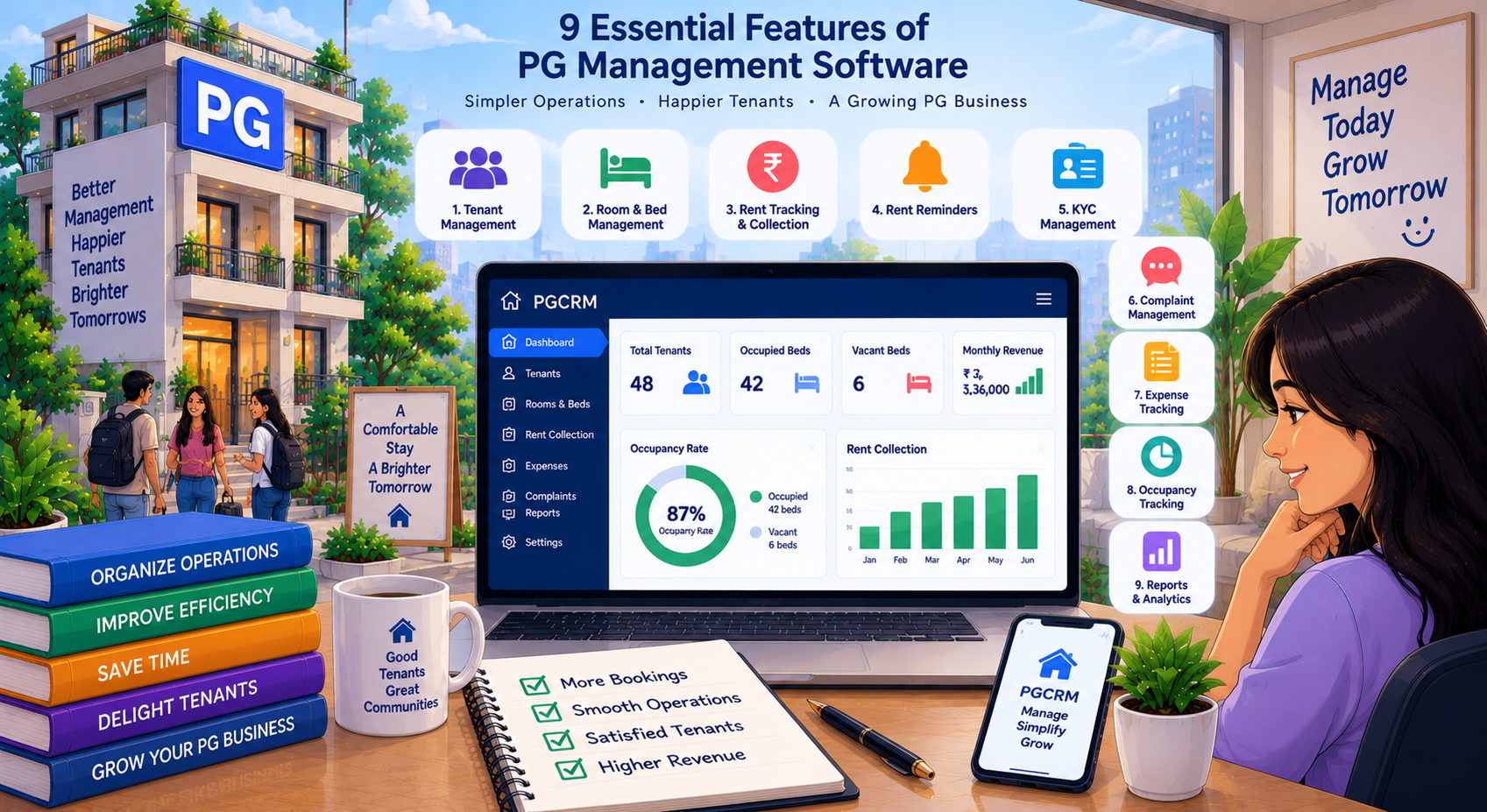
Using PG management software such as PGCRM can help owners centralise tenant records, rent tracking, occupancy information, and daily operations but the value only becomes clear once you’ve confirmed it addresses your specific situation through a focused consultation.
Common Mistakes During PG Software Consultations
- Not preparing specific questions, leading to a generic, unproductive call.
- Focusing only on price, without confirming feature inclusions at that price.
- Not asking about support and onboarding, which can matter significantly during setup.
- Accepting vague answers without follow-up, especially around pricing and scalability.
- Failing to request written confirmation covering what the provider promised.
Frequently Asked Questions
What should I bring to a PG software consultation? Bring a list of your current operational pain points, your property size and growth plans, and your must-have features. This helps the provider give specific, relevant answers instead of a generic overview of the platform.
What questions should I ask about pricing during a PG software consultation? Ask the provider to specify exactly what each pricing tier covers, whether tenant or property limits apply, and whether billing runs monthly or annually. Vague pricing answers are a sign to push for more specific details before committing.
How long should a PG software consultation typically take? This varies by provider, but a focused consultation covering features, pricing, and support typically takes a reasonable amount of time to address your specific questions without feeling rushed. If it feels too brief to cover your needs, ask for a follow-up.
Should I ask about data portability during the consultation? Yes, it’s worth confirming whether you can export your own data if you ever decide to switch providers. Knowing this in advance keeps you from getting stuck with a platform that no longer fits your needs later.
What’s a red flag during a PG software consultation? Vague or overly reassuring answers like “it can handle anything” without specifics are a red flag. Clear, specific answers about features, pricing, and support are a better sign of transparency and fit.
Is it necessary to have a consultation before choosing PG software? While not always required, a consultation helps clarify whether the software fits your specific operational needs, especially regarding features and pricing tiers, which can be harder to fully understand from a website alone.
Conclusion
A PG software consultation is most valuable when you go in prepared with your pain points, growth plans, and specific questions about features, pricing, and support. This turns a generic demo into a focused evaluation of whether the software genuinely fits your PG. Explore PGCRM to simplify your PG and hostel management, and use these questions to guide your next software consultation.